
Responding to community feedback
The latest website update is now live.
Based on your feedback, we have refined the logic that determines which automatic weather station (AWS) provides weather observations for your location.
Today's update follows last month's release when we added more place names to the rain radar and weather map, and made it easier to access Doppler and rainfall radar images.
Types of weather stations
Australia's network of weather stations includes manual, automatic and portable weather stations. We don't display observations from manual or portable weather stations on the app or the website. Often these stations don't measure a complete set of observations and some of them report irregularly.
Selecting a weather station
When the website selects an automatic weather station for your location, it applies rules and looks at factors such as:
- location elevation
- distance to nearby weather stations
- whether the station is inland or coastal
- whether it has recently reported data.
But some locations were showing observations that did not represent local conditions. For example, if you're in a valley at the bottom of a steep mountain range and the nearest weather station is on the top of the range. Another station in the valley might experience more similar weather, despite being a little further away.
Changes to weather station selection
Based on community feedback, we have refined the logic to select more appropriate weather stations. This will mean more appropriate weather information for some locations, especially for places near a coast or in areas with varied terrain.
The new logic also aligns better with the BOM Weather app. However, differences can still be caused by factors like your device settings, forecast grids, decimal point rounding rules. Learn more about differences between the website and app.
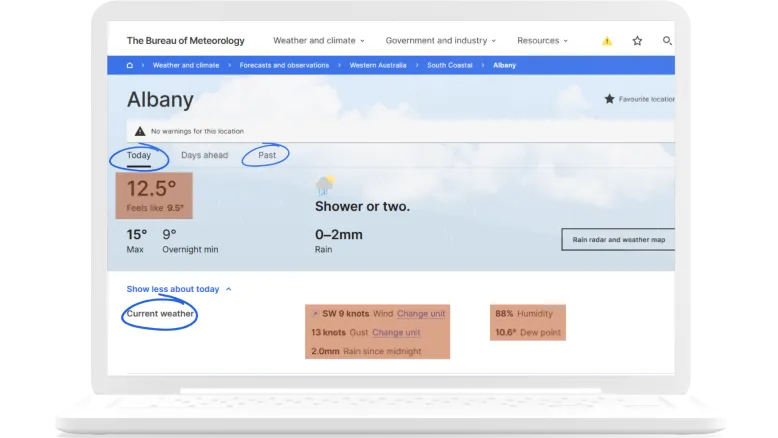
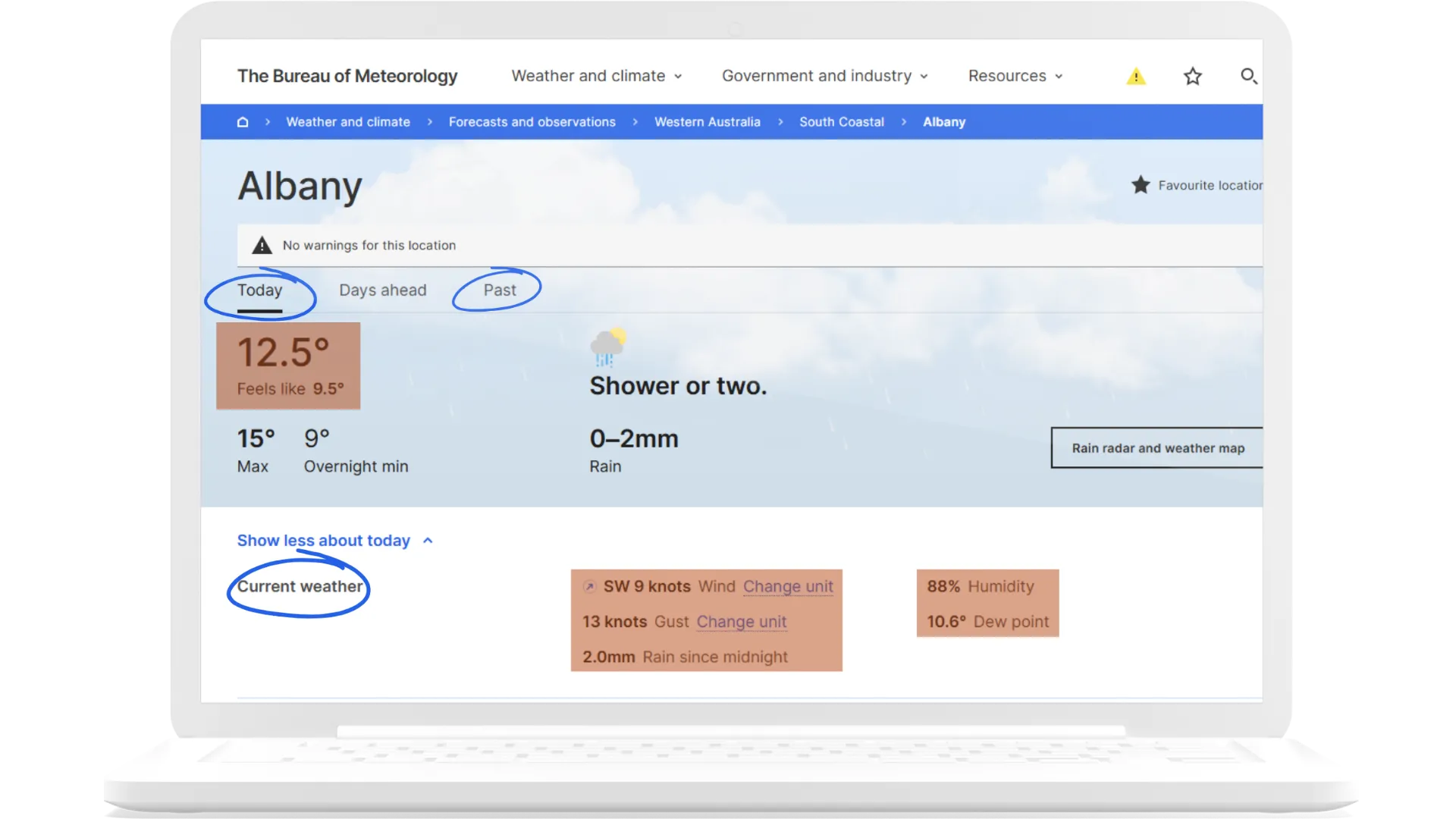
Identifying your weather station
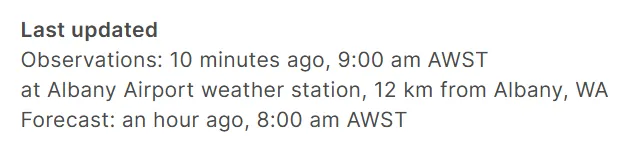
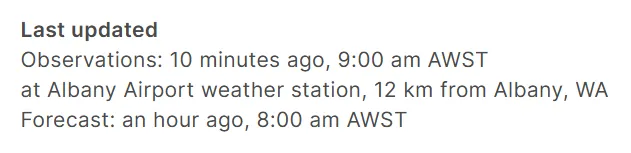
Open your location page and scroll down to the 'Last updated' section to see which AWS your location's observations are from and when they were last updated.
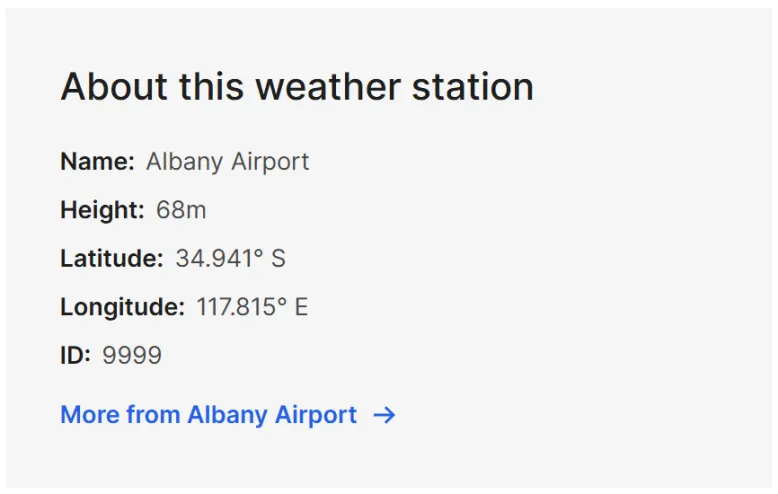
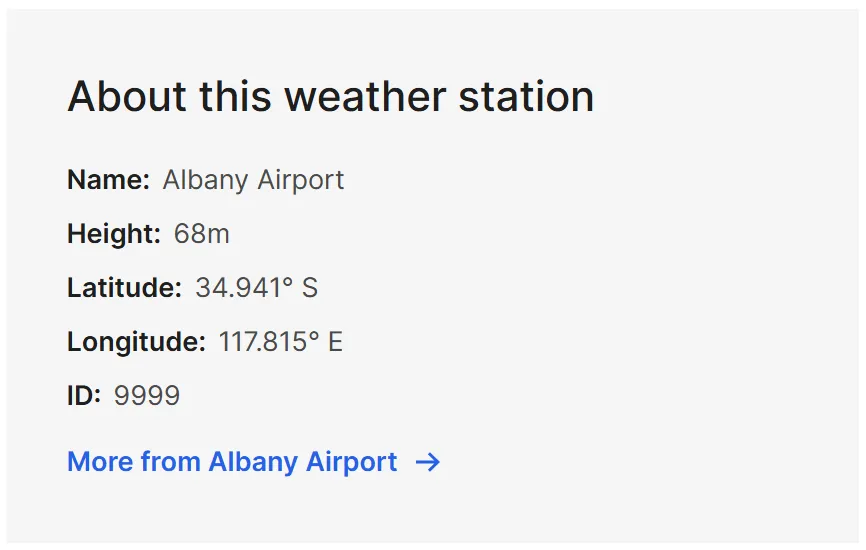
You can learn more about the weather station on the Past tab:
- Scroll down to the 'About this weather station' section to see the station name and ID, elevation and a link to the weather station observations page.
- The station name and ID are useful if you are using Climate Data Online to get historical weather observations, graphs and data.
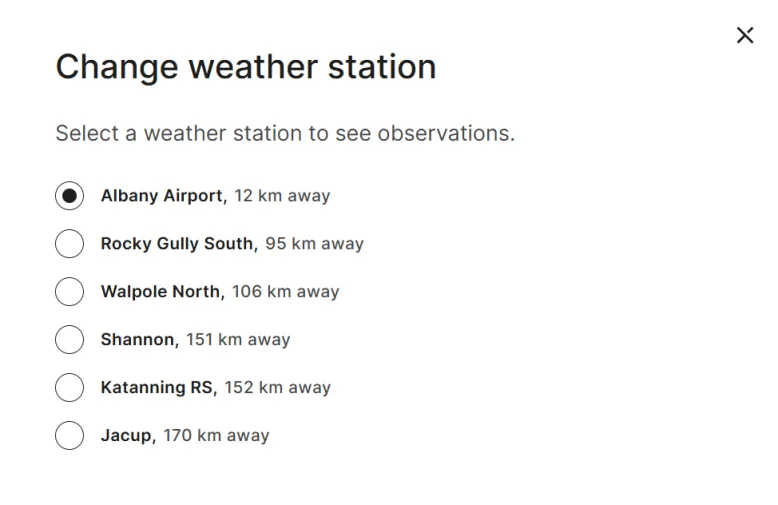
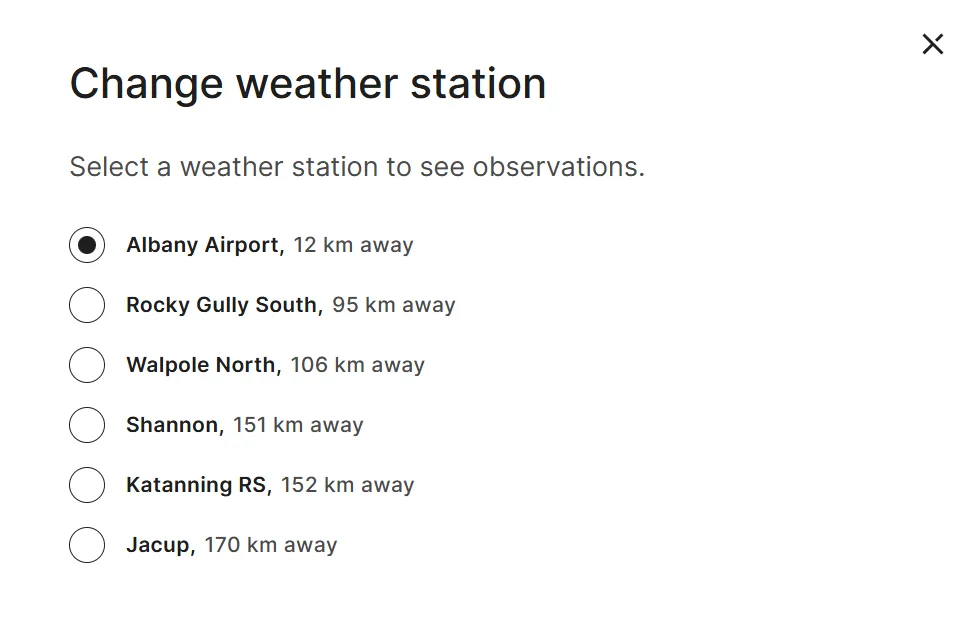
In the Past tab, you can change the weather station by selecting 'Change station'.
Coming soon
We're working on more improvements to the rain radar, including:
- clickable radar site icons
- quick links to radar locations on the map
- radar range rings
- bookmarkable radar site links (unique URLs).
Thank you for your feedback. Please keep telling us what you like, and what website improvements you're keen to see.